Tips & guides for
Shopify 3D printing
Practical guides, how-to's and insights about Shopify with SimplyPrint

Shopify SimplyPrint Integration: Automatically Create Print Jobs
Learn how to connect Shopify to SimplyPrint and automatically create print jobs for every order.
Read article →
Automate 3D Print Orders from Shopify: The Complete Guide
Stop manually processing orders. Discover how to fully automate 3D print jobs from Shopify orders.
Read more →
Running a 3D Printing Business with Shopify: From Order to Print
A complete guide to running a Shopify 3D printing business, from receiving orders to shipping prints.
Read more →
Queue Management: Auto-Assign Shopify Orders to the Right Printer
How to automatically assign Shopify orders to the correct printer group in SimplyPrint.
Read more →
Automatic Order Fulfillment for 3D Printing Shops on Shopify
Automate order fulfillment for your Shopify 3D printing shop — from order to shipped.
Read more →
3D Printing Order Automation: Save Hours Every Week
How 3D printing businesses use automation to save hours of manual work every single week.
Read more →
Syncing STL Files from Shopify Orders to SimplyPrint Automatically
How SimplyPrintSync maps Shopify products to STL and 3MF files and syncs them automatically.
Read more →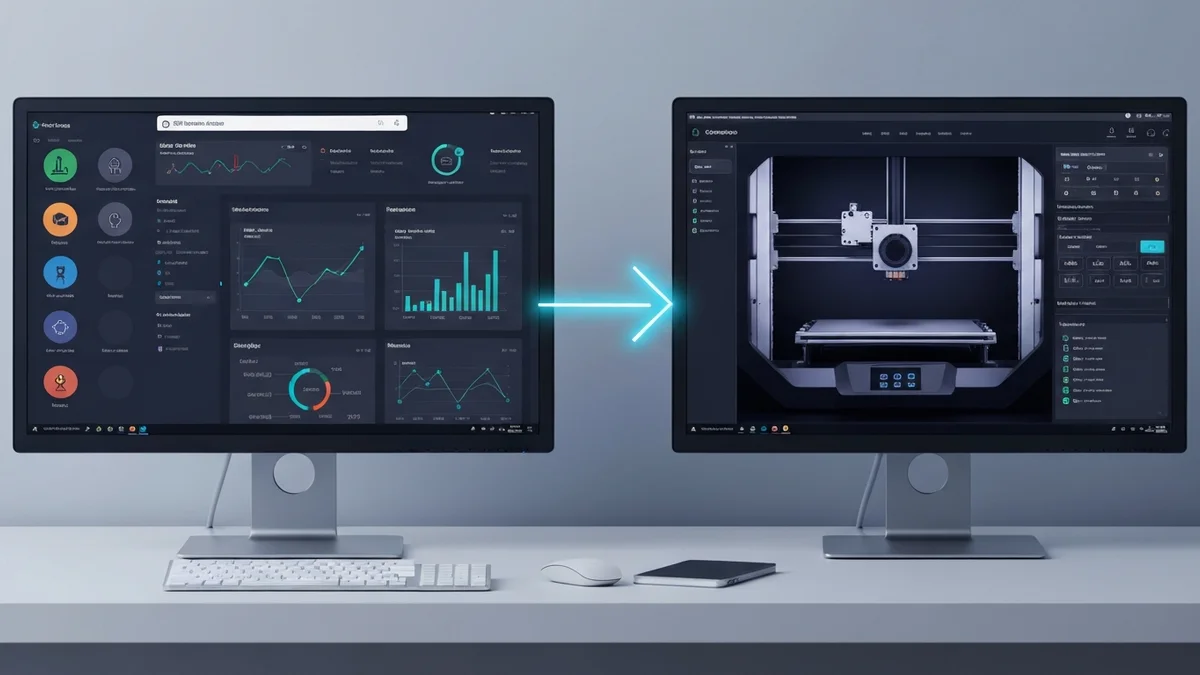
The Best Shopify SimplyPrint Integration for 3D Printing Farms
Why SimplyPrintSync is the best way to connect your Shopify store to SimplyPrint.
Read more →
Managing a 3D Printing Farm with Shopify and SimplyPrint
Tips for running a larger 3D printing farm with Shopify as your storefront and SimplyPrint as your production manager.
Read more →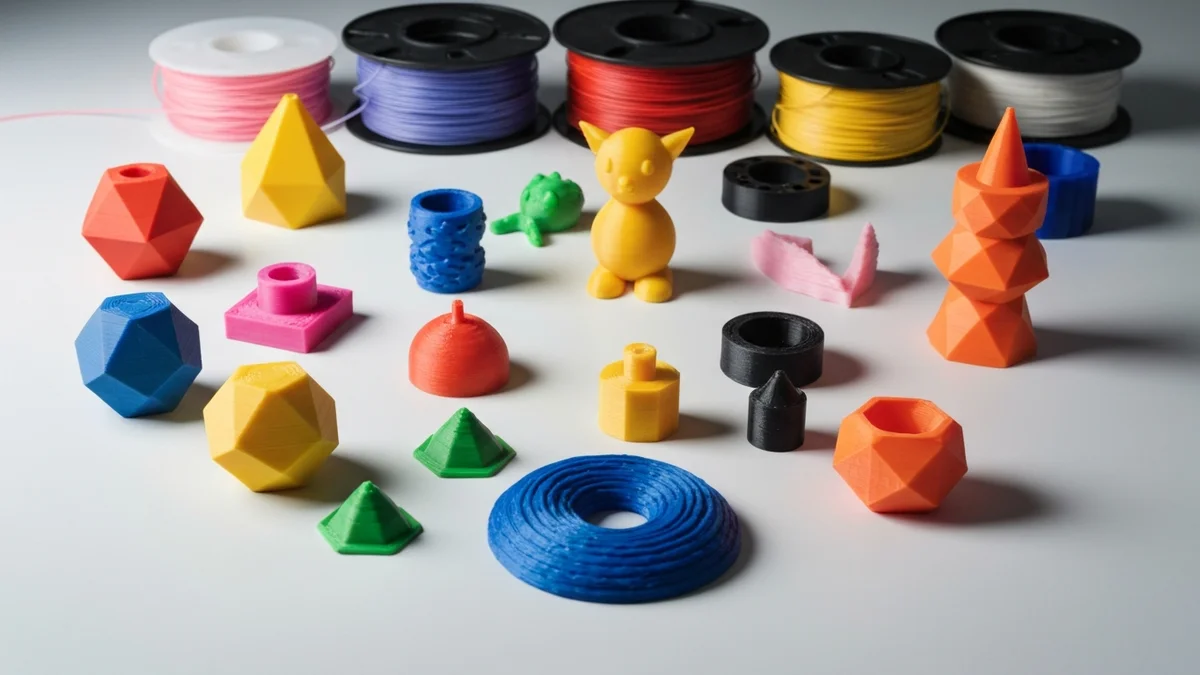
Multi-Material and Color Orders from Shopify to SimplyPrint
How SimplyPrintSync handles multi-material, multi-color, and variant orders from Shopify.
Read more →