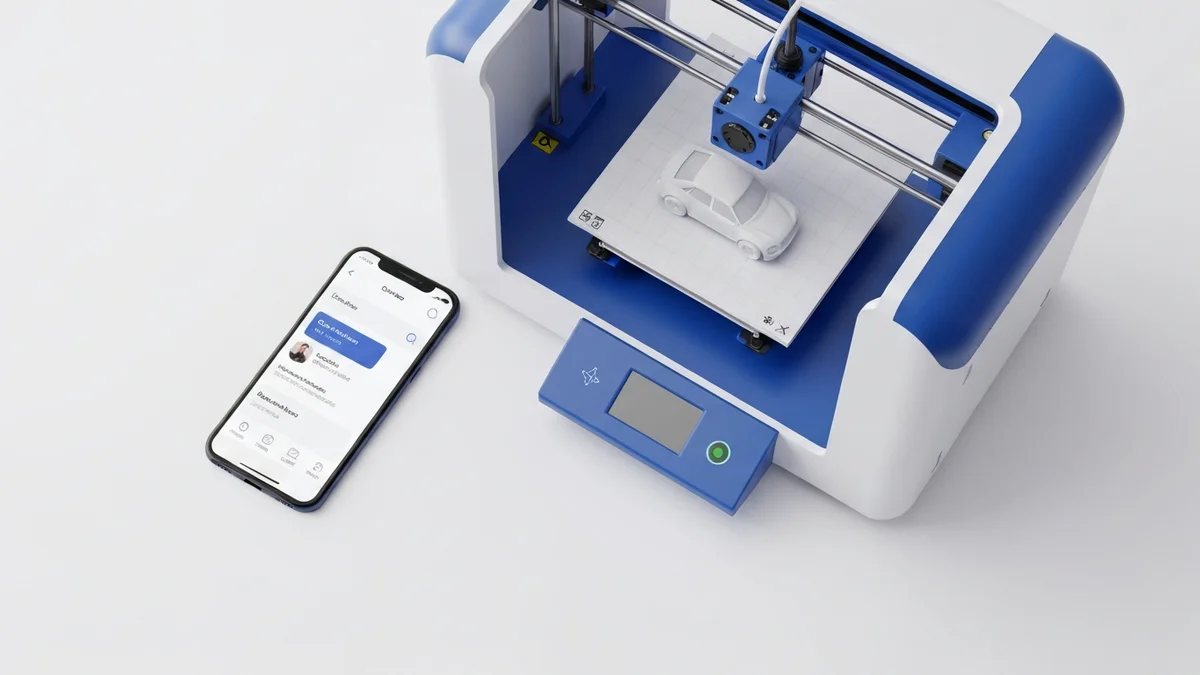
If you are processing more than ten orders a week entirely by hand, manual order management is already costing you real money. Not in a vague, hard-to-measure way — in actual hours that show up on your payroll or in your own lost evenings. For 3D printing shops on Shopify, the gap between "order paid" and "print job started" is filled by a repetitive manual task that automation can eliminate completely. This guide walks through exactly what that automation looks like and how to set it up.
What Does 3D Print Order Automation Mean?
In plain terms, automation means that from the moment a customer pays in your Shopify store, a print job appears in your SimplyPrint queue — without anyone touching a keyboard in between. No login to SimplyPrint, no searching for the right file, no typing in quantities, no selecting a printer group. The order travels from Shopify to your print farm's queue in seconds, fully formed and ready to run.
This is possible because Shopify sends a webhook event the instant an order is paid. SimplyPrintSync listens for that event, looks up how each ordered product maps to a print file, and uses the SimplyPrint API to create the job. The whole chain is automatic and happens whether you are at your desk or asleep.
Step-by-Step Setup
Getting from zero to fully automated takes four steps, none of which require any coding:
- Install SimplyPrintSync from the Shopify App Store. The app installs into your Shopify admin like any other app.
- Connect your SimplyPrint account. In the app settings, enter your SimplyPrint API key. SimplyPrintSync uses this to create jobs on your behalf.
- Map your products. Go to the Products page in SimplyPrintSync and link each product or variant to the SimplyPrint print file it should use. Set the yield (how many units come from one print run) and the printer group.
- Activate and test. Toggle the integration on, then place a test order in Shopify. Within seconds, a print job should appear in your SimplyPrint queue. If it does, you are done.
Most shops complete this setup in under thirty minutes, including the time to map a full product catalogue.
Simple Mode vs. Advanced Mode
SimplyPrintSync offers two operating modes to match different workflows. Simple mode does exactly what it sounds like: every paid order creates a print job, every time, with no conditions. This is the right choice for made-to-order businesses where every sale means something needs to be printed.
Advanced mode adds a stock-level check before creating the print job. You set an inventory threshold for each product. If stock in Shopify is above that threshold when an order comes in, no print job is created — SimplyPrintSync assumes you have inventory on hand to fulfil the order. When stock drops below the threshold, print jobs start creating automatically again. This is ideal for businesses that maintain a small buffer stock and only print to replenish.
You can set different modes for different products, so made-to-order items always queue while stocked bestsellers only queue when inventory runs low.
How Much Time Do You Actually Save?
The honest answer depends on your volume, but the math is consistent. Creating a print job manually — logging in, finding the file, entering quantities, assigning a printer, confirming — takes somewhere between five and ten minutes per order for most shops. At twenty orders a week, that is one to three hours. At fifty orders a week, it is four to eight hours. Those are hours that contribute nothing to the quality of your product or the happiness of your customers.
With SimplyPrintSync, those hours collapse to near zero. The time you do spend on each order goes toward things that actually require your judgment: checking print quality, packing carefully, handling customer questions.
Getting Started
SimplyPrintSync has a Free plan that covers 10 print jobs per month at no cost — enough to validate the entire workflow before committing to a paid plan. The Basic plan ($5/month) handles up to 100 print jobs, and the Professional plan ($20/month) removes all limits. Every plan comes with a 30-day free trial that gives you full access to all features.
There is no risk to trying it. Install the app, map one product, and place a test order. If the print job appears in SimplyPrint automatically, you will know immediately whether this is the right tool for your shop.