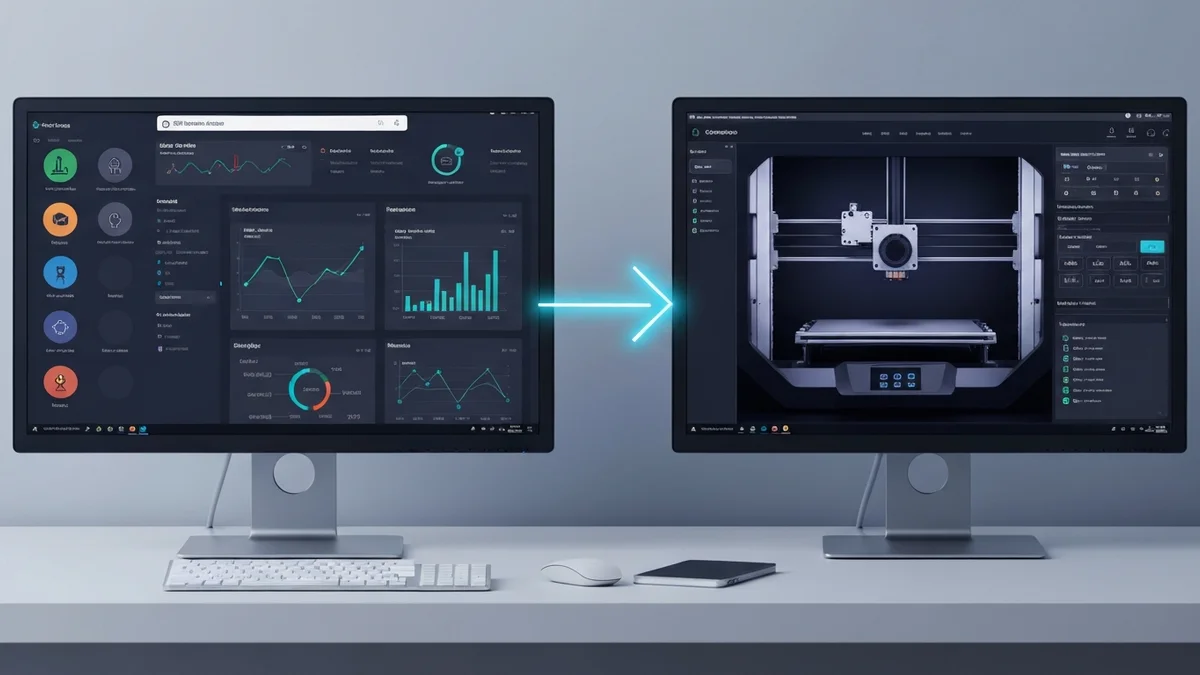
If you want to connect your Shopify store to SimplyPrint, you have a few options — and they are not all equal. Some businesses piece together a workflow using general-purpose automation tools. Others manage the connection manually. And some use SimplyPrintSync, which was built specifically for this one job. Here is an honest comparison of each approach so you can decide what fits your operation.
Option 1: Manual Processing
Manual processing means checking your Shopify orders, then opening SimplyPrint and creating print jobs by hand. Many businesses start here, and it works — up to a point.
Pros: No additional cost. You have complete visibility and control over every job created. Easy to handle unusual orders or exceptions on a case-by-case basis.
Cons: Slow. Each order takes five to ten minutes of focused attention. Error-prone — wrong files, wrong quantities, and missed orders all happen under manual processing, especially as volume increases. Does not scale. At twenty orders per week it is manageable; at a hundred it becomes a part-time job in itself.
Manual processing is the right choice when you have fewer than ten orders per month and highly variable or custom orders that do not fit a standard template. For any consistent product catalogue with regular order volume, it is the most expensive approach in terms of your own time.
Option 2: Zapier or Make (General Automation Platforms)
Zapier and Make (formerly Integromat) are general-purpose automation platforms that can connect almost any two web services using pre-built connectors and custom logic. In theory, you could build a workflow that watches for Shopify order events and then sends data to SimplyPrint.
Pros: Flexible. If SimplyPrint adds new API endpoints, you can update your workflow. Zapier and Make have large user communities with plenty of documentation.
Cons: SimplyPrint's API is not natively supported by either platform, which means building a custom integration using webhooks and HTTP request steps — a process that requires meaningful technical knowledge to get right and maintain. Zapier's pricing scales with the number of "tasks" (individual automation runs), which can get expensive quickly at high order volumes. Neither platform understands the specific data structures of SimplyPrint or the nuances of 3D printing workflows like yield per print or printer group assignment. Every edge case requires custom logic you build and maintain yourself.
This approach suits technically confident users who need maximum flexibility and are comfortable building and debugging automation workflows. For most 3D printing shop owners, it is overkill and the ongoing maintenance is a hidden cost.
Option 3: SimplyPrintSync
SimplyPrintSync is a Shopify app built specifically to connect Shopify orders to SimplyPrint print jobs. It does one thing and does it completely.
Pros: Purpose-built — every feature was designed for the specific workflow of a 3D printing business using both Shopify and SimplyPrint. Setup takes minutes, not hours or days. No technical knowledge required; the entire configuration happens through a point-and-click interface in the Shopify admin. Features like yield calculation, printer group assignment, Advanced mode with stock thresholds, Auto-Map by EAN, and sync logging are all built in and require no custom coding. Pricing is straightforward and low — $0, $5, or $20 per month depending on volume.
Cons: It only works for Shopify + SimplyPrint. If you use WooCommerce, Etsy, or a different print farm manager, SimplyPrintSync is not the right tool. Its focus is also its limitation — it does not connect to anything else.
Who SimplyPrintSync Is Best For
SimplyPrintSync is the right choice for 3D printing businesses that sell through Shopify and manage production through SimplyPrint — which describes the majority of established 3D printing farms with an e-commerce presence. If you fit that profile and you are processing more than ten orders per month, the automation pays for itself in time savings many times over.
It is particularly well-suited to shops with a defined product catalogue (as opposed to fully custom one-off work), shops with product variants that need to map to different print files, and shops that want to scale without proportionally scaling their administrative overhead.
Pricing Comparison and Conclusion
Manual processing costs nothing in software but costs your time at whatever rate you value it. At $25 per hour and four hours per week of manual work, that is $400 per month in opportunity cost. Zapier's paid plans start at around $20–$30 per month for basic automation and scale upward quickly with volume, plus the setup and maintenance time. SimplyPrintSync starts at $0 and caps at $20 per month for unlimited print jobs.
For a business that uses both Shopify and SimplyPrint, SimplyPrintSync is the most cost-effective and lowest-friction option available. The 30-day free trial means there is no risk in trying it — install the app, map a few products, and confirm it works for your workflow before committing to any plan.