Running a 3D printing farm with a Shopify storefront is one of the most powerful setups available to a modern manufacturing business. You get world-class e-commerce infrastructure on the front end and purpose-built production management on the back end. But the power of this combination depends entirely on how well the two platforms communicate. Without that connection working smoothly, growth creates operational chaos instead of profit.
What Is a 3D Printing Farm?
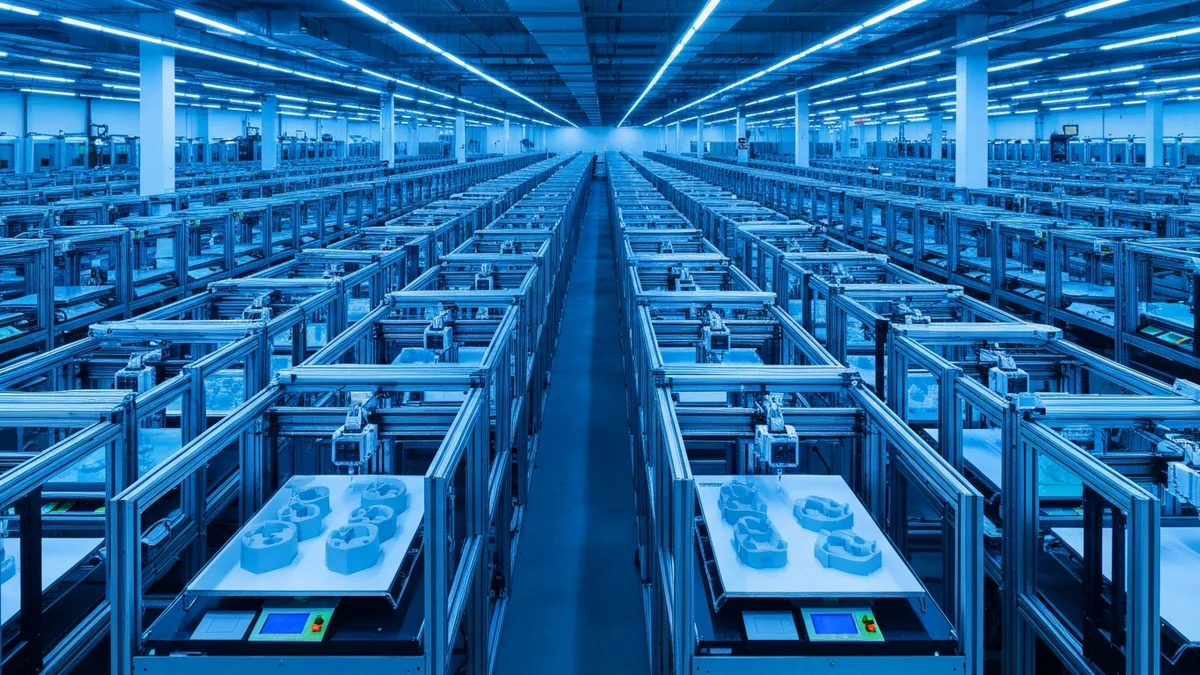
A 3D printing farm is a production environment with multiple printers operating simultaneously, typically organized to maximize throughput. Rather than one machine printing one thing at a time, a farm might run ten, twenty, or fifty printers in parallel, each assigned to jobs from a shared queue. The printers are often grouped by material capability — one cluster for PLA, another for PETG, another for resin — to match jobs to the hardware best suited to run them.
At this scale, the production mindset shifts from "what should I print next" to "how do I keep all machines running at capacity with the right jobs." The operational challenges are no longer individual — they are systemic. Queue management, filament tracking, failure detection, and shift visibility all become critical concerns that cannot be managed with a single person's memory or a shared spreadsheet.
Why SimplyPrint Is the Industry Standard for Farm Management
SimplyPrint was built specifically for multi-printer environments. Its central queue gives every job in the system visibility at once, so nothing gets lost and no printer sits idle because a job was missed. Remote monitoring lets operators check printer status, temperatures, and progress without physically walking the floor. Print farm analytics show utilization rates, failure rates, and material consumption over time, which feeds directly into purchasing and scheduling decisions.
For farms with multiple operators or multiple shifts, SimplyPrint's centralized job management means everyone works from the same source of truth. A job added to the queue at midnight is visible to the morning shift without any handoff communication. A failed print is logged automatically and visible to whoever checks in next. The farm operates as a coordinated unit rather than a collection of independent machines.
Why Shopify Is Ideal for Selling Prints at Scale
Shopify handles the commercial side of a print farm business with remarkable completeness. Product listings with variant options — colors, sizes, materials, finishes — are easy to build and maintain. Payment processing, tax calculation, and shipping rate configuration are handled natively. Customer communications, from order confirmations to shipping notifications, are automated.
As volume grows, Shopify's analytics become genuinely useful. You can see which products drive the most revenue, which variants convert best, and how seasonal patterns affect demand. This data feeds back into production planning: which products to keep stocked, which printer groups to expand capacity on, and which product lines are worth developing further.
The Integration Challenge at Scale
With a Shopify store driving orders and SimplyPrint managing production, the gap between them becomes critical as volume grows. At five orders per day, a person can bridge the gap manually. At fifty orders per day, that same manual process consumes hours of operational time and becomes the single largest risk to the business — orders get missed, jobs are created with wrong specifications, and the queue never reflects reality accurately.
This is a bottleneck that grows faster than the revenue does. The more successful your Shopify store becomes, the more unmanageable the manual handoff becomes. The only sustainable path forward is automation.
How SimplyPrintSync Bridges the Gap
SimplyPrintSync sits between Shopify and SimplyPrint and automates the entire job creation process. Every paid Shopify order triggers automatic print job creation in SimplyPrint — with the correct file, the correct printer group, and the correct quantity already calculated. The queue in SimplyPrint reflects your actual order backlog in real time, without any manual entry.
For farms with complex product catalogues, SimplyPrintSync's variant mapping handles each combination independently. A product available in five colors, two materials, and three sizes can have thirty distinct mappings, each pointing to the right file and the right printer group. Once configured, this catalogue handles any order combination without operator involvement.
Advanced mode adds intelligence for farms that maintain buffer stock. Products with sufficient inventory on hand skip job creation; only when stock falls below a configured threshold do orders start creating print jobs. This prevents the queue from filling with jobs for items you already have in stock.
The Professional plan at $20 per month provides unlimited print job creations — the right choice for high-volume farms where order counts make per-job pricing impractical. A 30-day free trial gives you full access to every feature before committing, so you can validate the integration against your real production workflow before your billing cycle begins.